



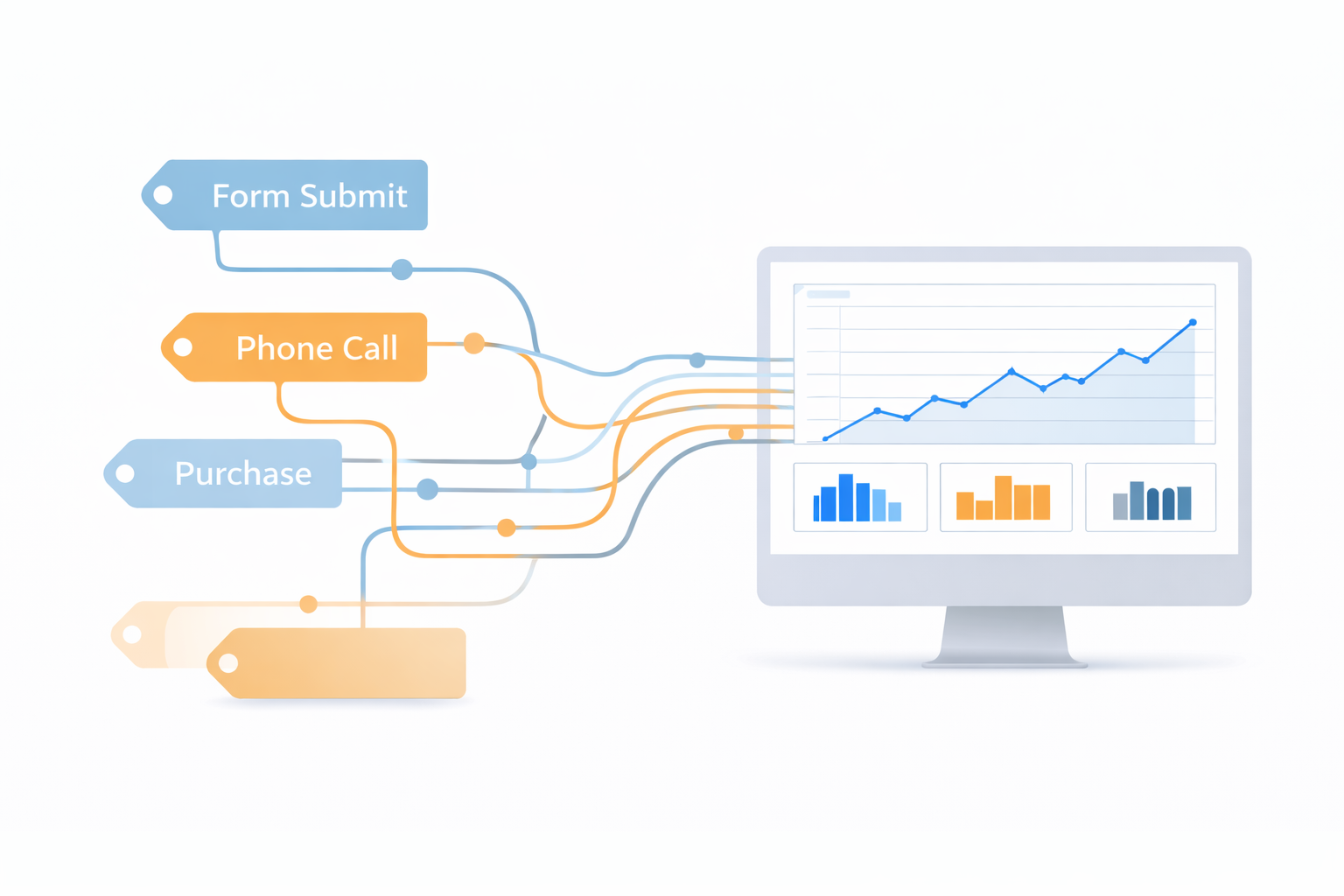

Most “Google Ads doesn’t work” complaints are tracking problems. If conversions are missing, duplicated, or misattributed, optimization becomes guesswork.
Here’s a clean tracking baseline.
What you must track (minimum viable)
Lead gen:
Form submit (real thank-you or confirmed event)
Phone calls (ads + site)
E-commerce:Purchases (with revenue)
Key funnel events (optional)
GA4 + GTM structure (simple version)
GA4 installed sitewide
GTM installed sitewide
Conversion event in GA4 or via GTM
Google Ads conversion action imported or created directly in Ads
Common mistakes to avoid
Tracking button clicks instead of confirmations
Duplicate conversions firing on page refresh
Counting “contact page views” as leads
No call tracking for lead gen
Enhanced conversions (why it matters)
Enhanced conversions help Google match conversions more accurately, especially with privacy changes. If you’re generating enough conversions, it’s often worth implementing properly.
QA checklist
After setup:
Test in Preview mode (GTM)
Confirm events appear in GA4 DebugView
Confirm conversions record in Google Ads
Validate conversion counts vs actual leads/orders
Tracking isn’t glamorous, but it’s the foundation that makes optimization work.